Solutions
Set up for the way you serve
The same Simires, arranged for your floor, your kitchen and your team.
Full-service restaurants
Busy dining rooms, without the shouting
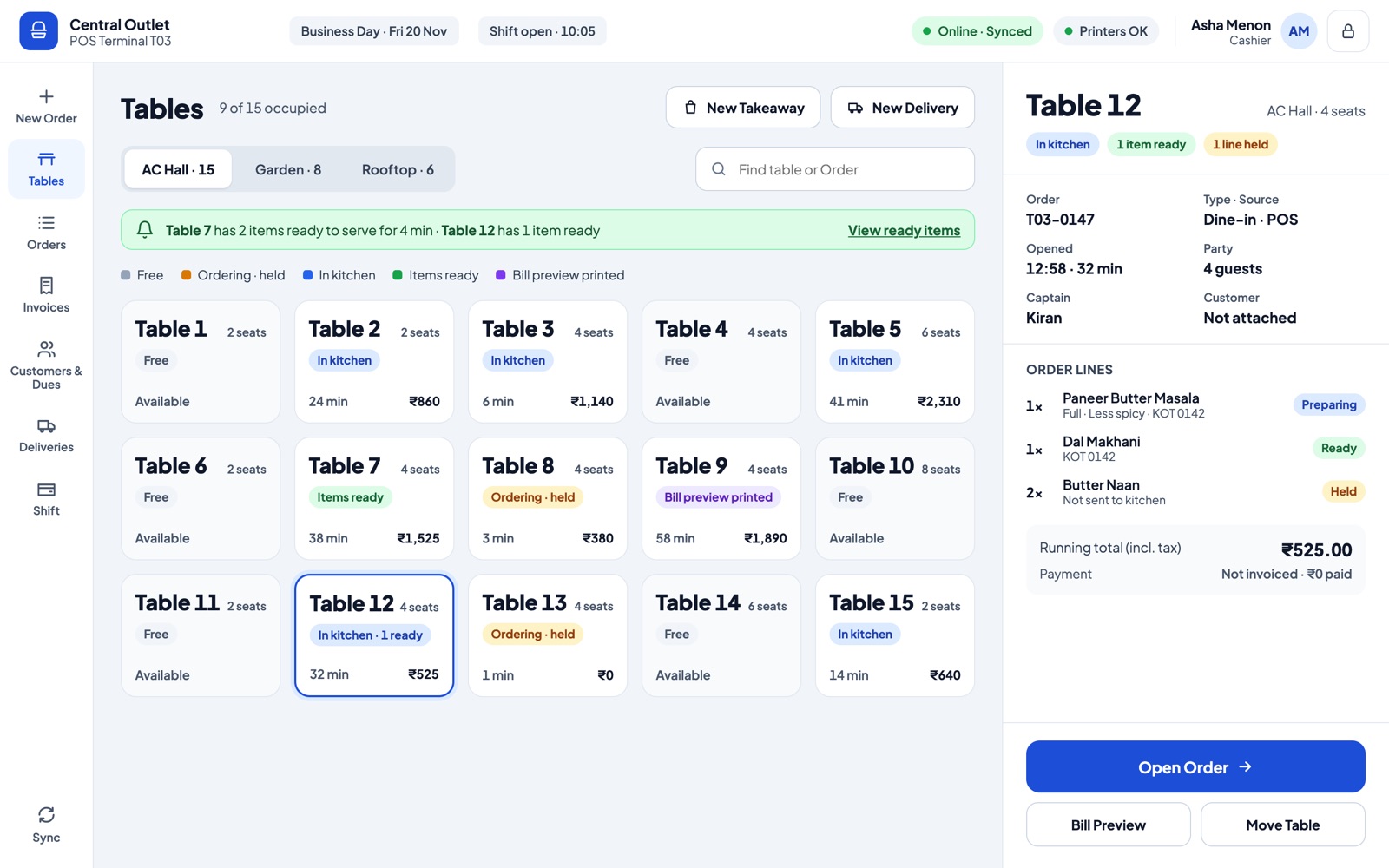
Captains take orders at the table, the kitchen sees them instantly, and the cashier knows which tables are ready to bill.
- Floors and sections with a live table plan
- Captain app for order-taking at the table
- Hold and Fire so starters and mains go out on time
- Bill Preview, then split by guest or by payment method
- Optional Service Charge the guest can waive
Typical setup
Cafés & quick service
Fast counter billing, from order to handover
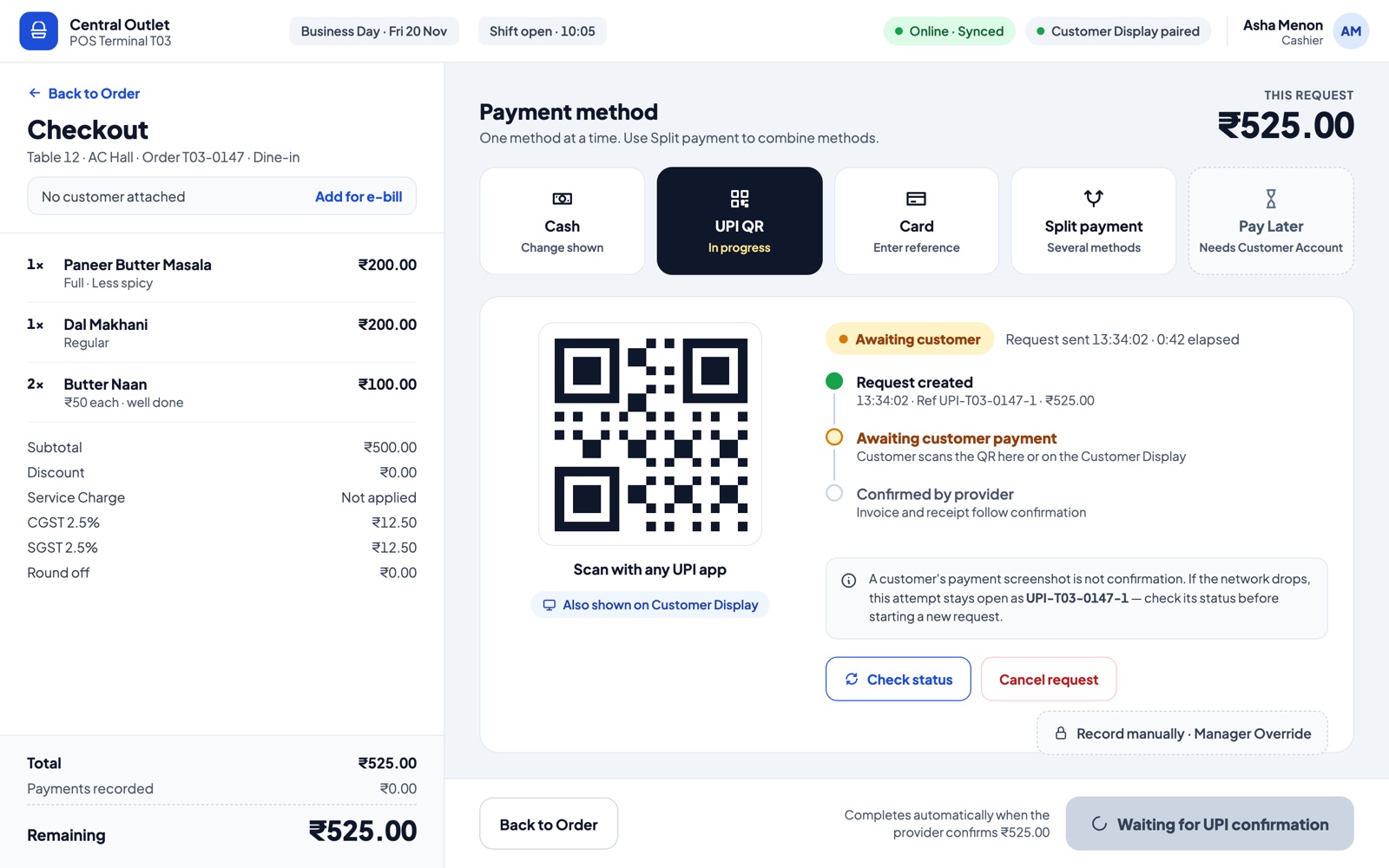
Take the order and the payment in one go, call the token when it's ready, and keep the queue moving.
- Takeaway orders with tokens
- UPI QR on the Customer Display, so guests pay without a hand-off
- A ready-for-handover screen for pickups
- Shift cash counts for every drawer
Typical setup
Cloud kitchens & delivery
Every delivery accounted for, rider by rider
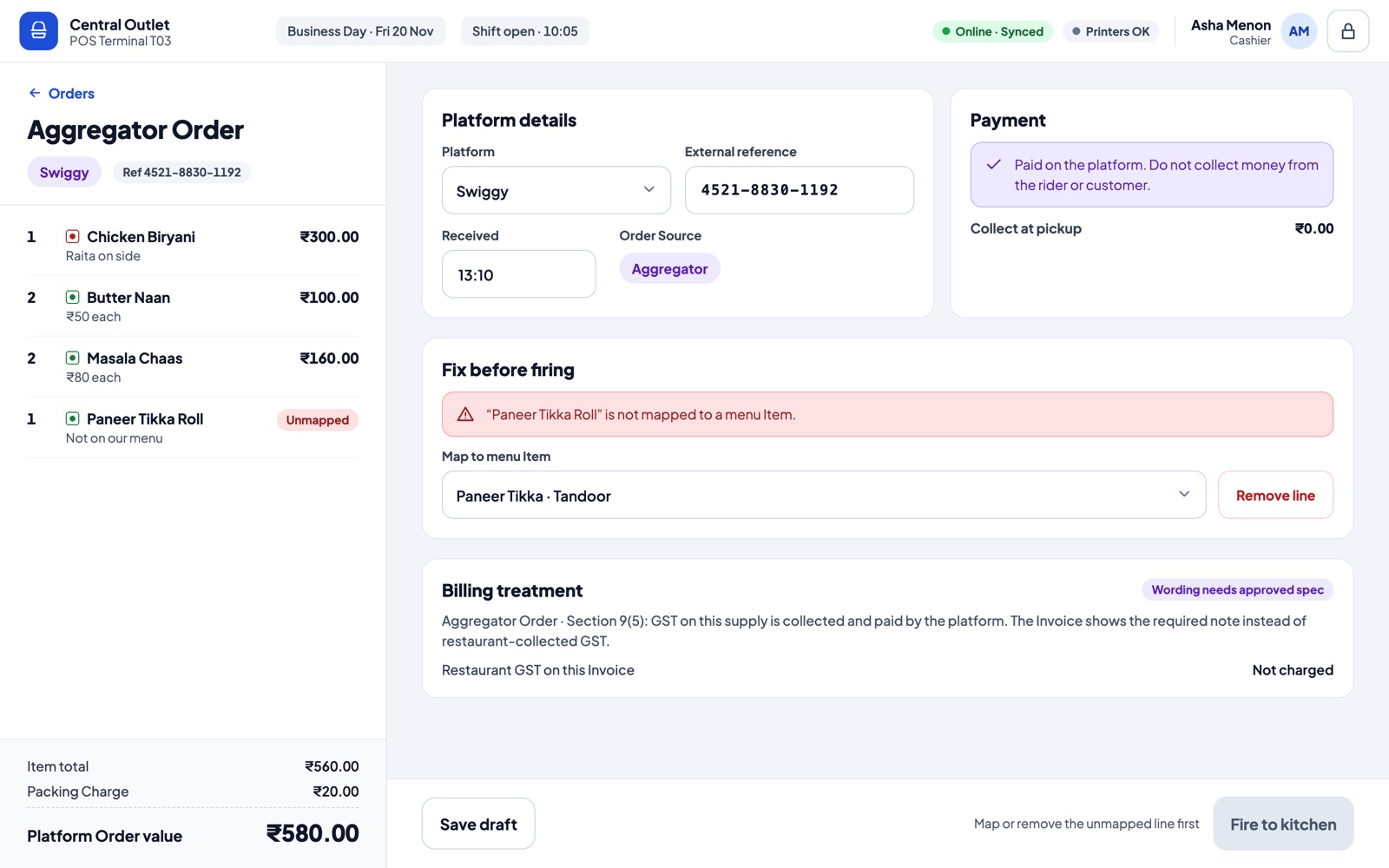
Own-delivery and aggregator orders run through the same kitchen and the same queue, with the right billing for each.
- One delivery queue from Placed to Delivered
- Invoiced at Dispatch, with Cash on Delivery tracked as due
- Aggregator orders entered with the platform's reference and their own tax treatment
- Returned orders recorded, not lost
- Rider Settlement at the end of each shift
Typical setup
Multi-outlet brands
One Brand, every Outlet, one set of rules
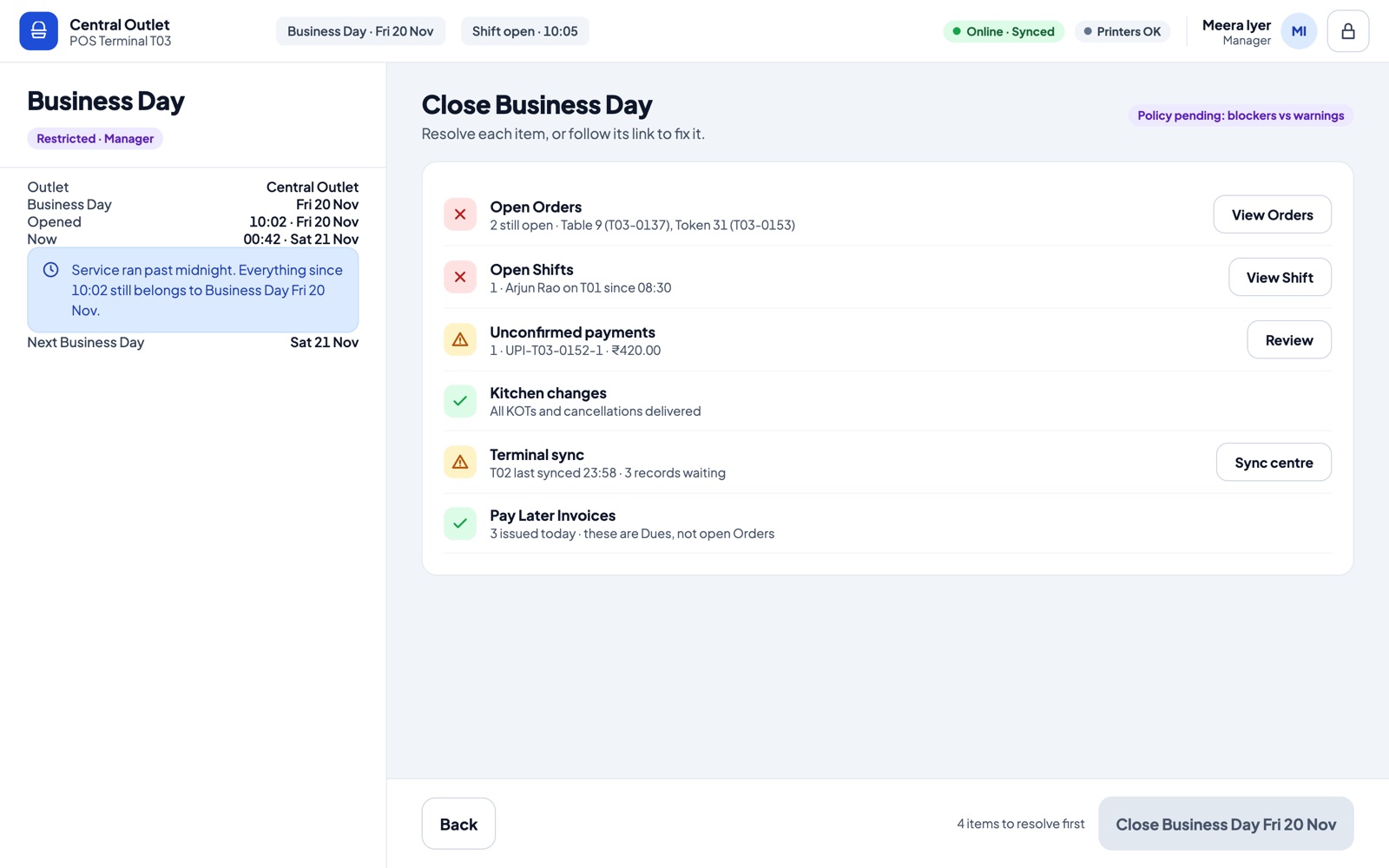
Each Outlet runs its own Terminals, staff and Business Day, while owners see the whole Brand.
- Owner access across the whole Brand
- Managers, cashiers and captains scoped to their Outlet
- Terminals paired to one Outlet, so orders never wander
- Reports by Business Day for each Outlet
- An audit trail of approvals across every location
Typical setup
Who uses what
Each role sees only its own job
Screens hide what a role can't do. When an action needs a manager, it asks for approval in place.
Everything, across every Outlet in the Brand.
Runs an Outlet: catalog, staff, reports, and approving sensitive actions.
Orders, tables, invoices, payments, Pay Later, Shifts and deliveries.
Takes orders and moves tables; never settles a bill.
Updates the Prep Status of each item.
Not sure which setup fits?
Tell us how your restaurant runs and we'll suggest the Terminals and screens you need.