Contact
See a full dinner service in 20 minutes
A live walkthrough on real screens, shaped around how your restaurant runs.
The demo
What we'll walk through
-
1
Pair a demo Terminal
We pair a Terminal to a demo Outlet, just as a manager does in your restaurant.
-
2
Run a full service
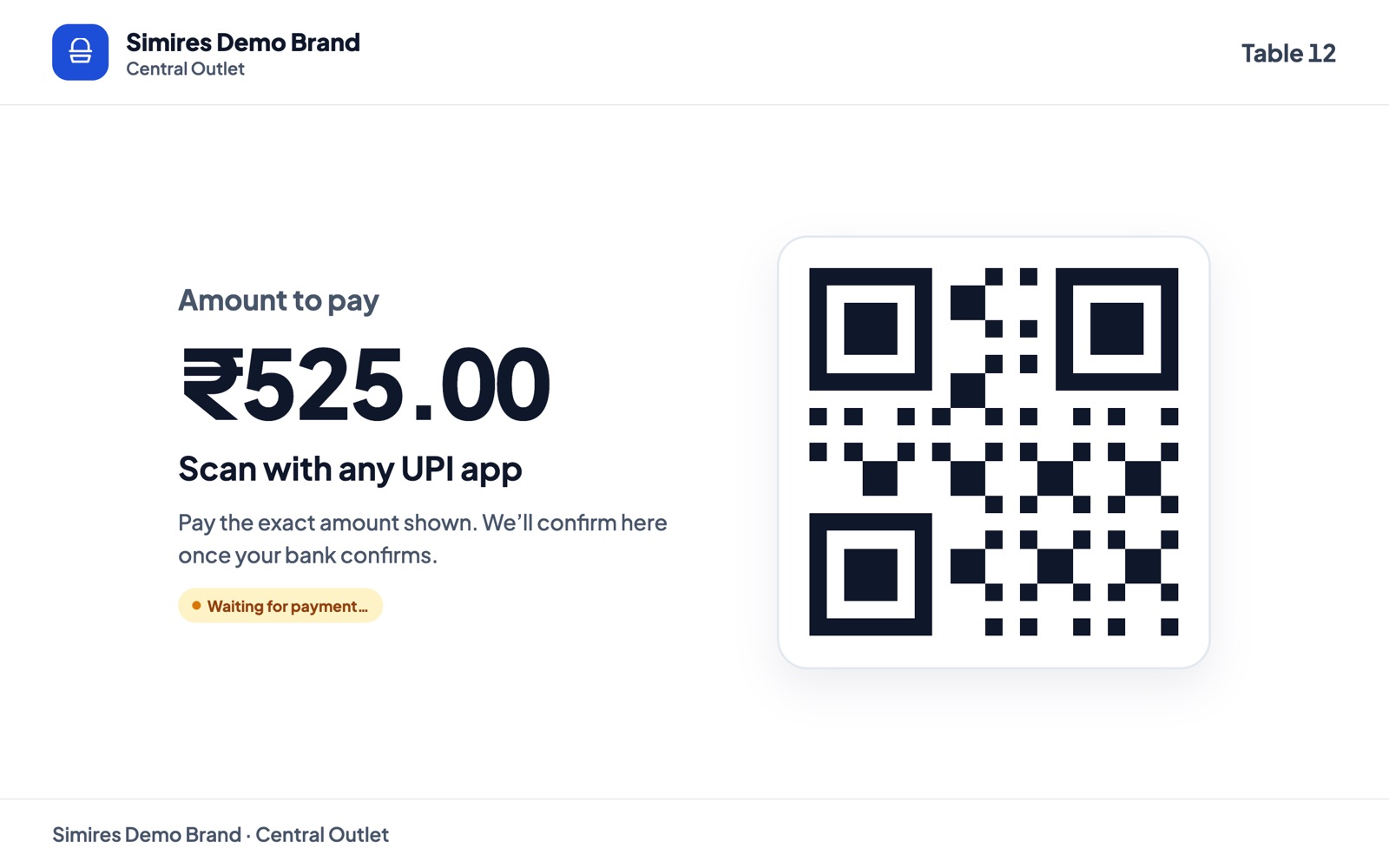
Seat a table, fire to the Kitchen Display, take a UPI payment and handle a cancellation.
-
3
Close the day
Close a Shift with a cash count, close the Business Day and read the reports.
Helpful to have ready
- How many Outlets you run, and how many counters each has
- How you serve: dine-in, takeaway, delivery, aggregators
- Your kitchen stations and the printers you already own
- Roughly how many items are on your menu
Talk to us
- [SALES EMAIL]
- Phone
- [PHONE NUMBER]
- Hours
- [DAYS AND HOURS]
- Office
- [CITY / ADDRESS]